
Each article uses a different locally hosted photograph. These are illustrative images, not documentary evidence of the events described. People pictured do not endorse this publication.
Photos from Pexels and, where indicated, Wikimedia Commons are used under the individual licenses listed below. Follow each source link for the original details. Attribution and license notices remain attached to the photographs.
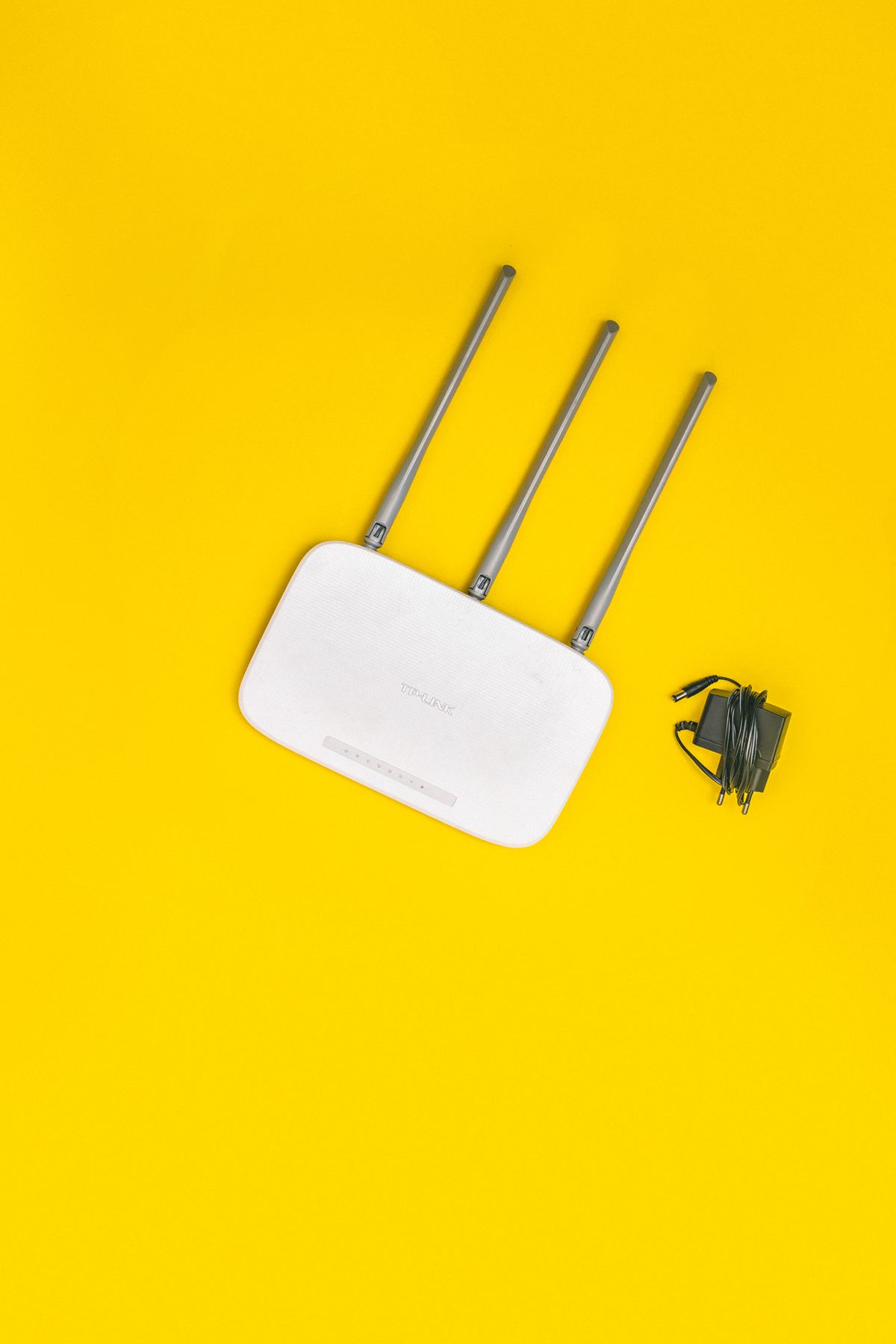 Wifi Router on Yellow BackgroundOriginal photograph · Pexels
See the photographer on the source page · Pexels license
Unmodified source photograph; displayed with responsive cropping.
Used with: Windows Wi-Fi connected without internet: find the failing link Laptop and a Phone on a DeskOriginal photograph · Pexels
See the photographer on the source page · Pexels license
Unmodified source photograph; displayed with responsive cropping.
Used with: Free space for a Windows update without losing your files A Laptop, a Smart Phone and a Computer KeyboardOriginal photograph · Pexels
See the photographer on the source page · Pexels license
Unmodified source photograph; displayed with responsive cropping.
Used with: A Windows upgrade failed: build an error-code evidence trail Computer, Laptop and a Smartphone on the DeskOriginal photograph · Pexels
See the photographer on the source page · Pexels license
Unmodified source photograph; displayed with responsive cropping.
Used with: Windows 10 consumer ESU in October 2026: check coverage before planning a move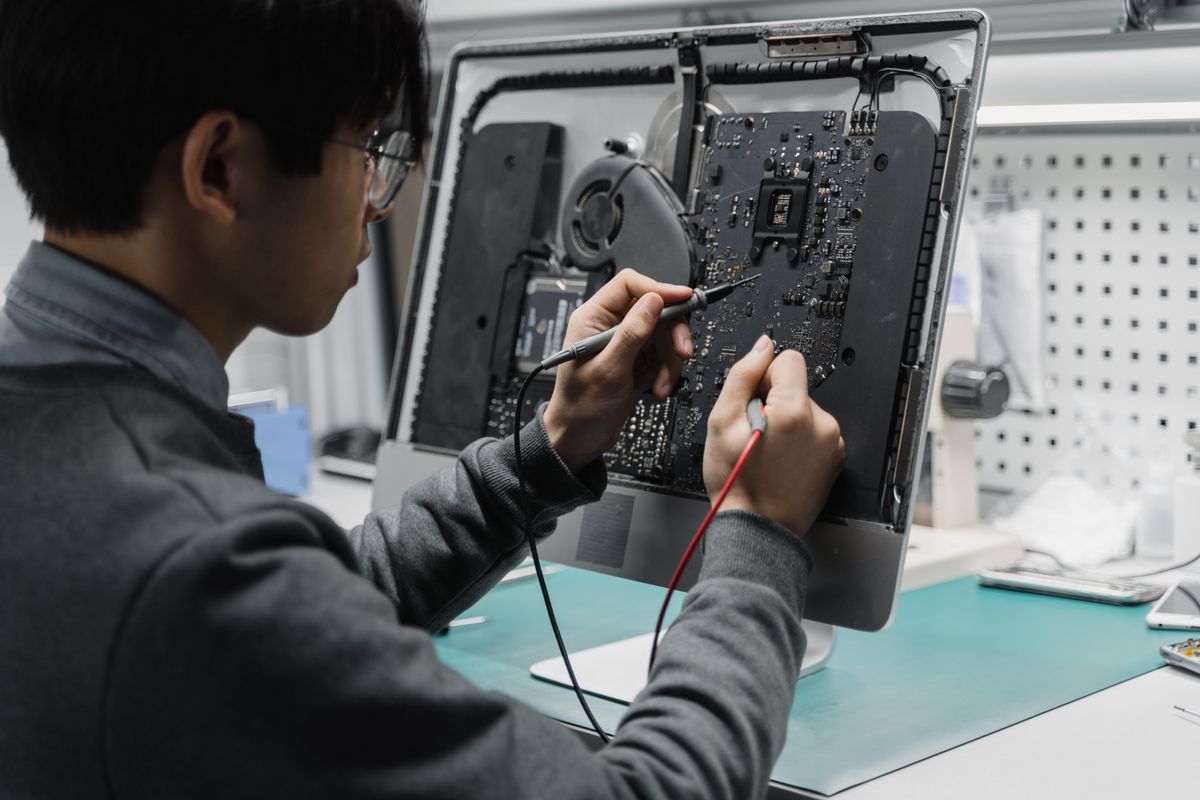 Man Fixing a ComputerOriginal photograph · Pexels
See the photographer on the source page · Pexels license
Unmodified source photograph; displayed with responsive cropping.
Used with: Windows monitor says no signal: isolate the display chain Laptop, Smartphone and KeyboardOriginal photograph · Pexels
See the photographer on the source page · Pexels license
Unmodified source photograph; displayed with responsive cropping.
Used with: BitLocker recovery screen: locate the matching key safely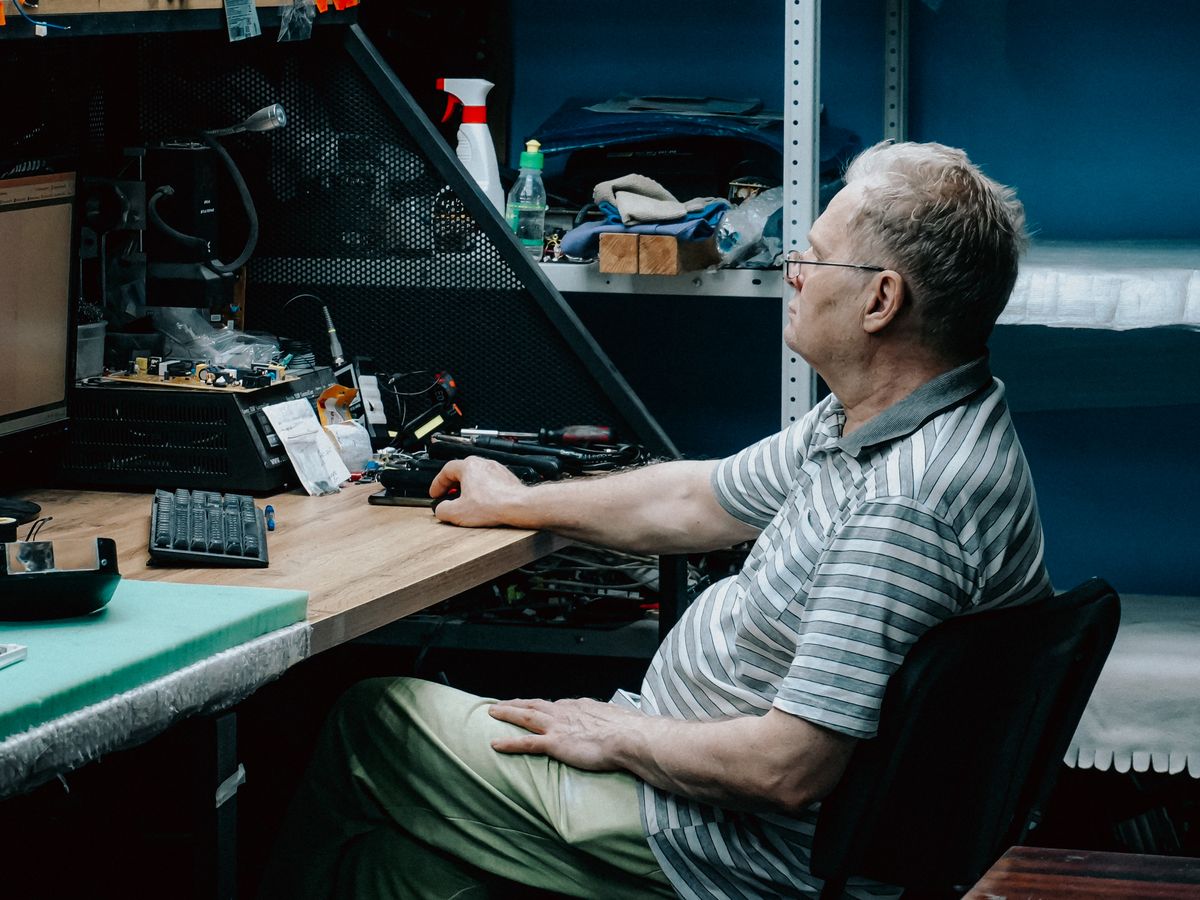 Senior Man Working on Computer at Repair DeskOriginal photograph · Pexels
See the photographer on the source page · Pexels license
Unmodified source photograph; displayed with responsive cropping.
Used with: Slow Windows sign-in: test startup apps without breaking your workflow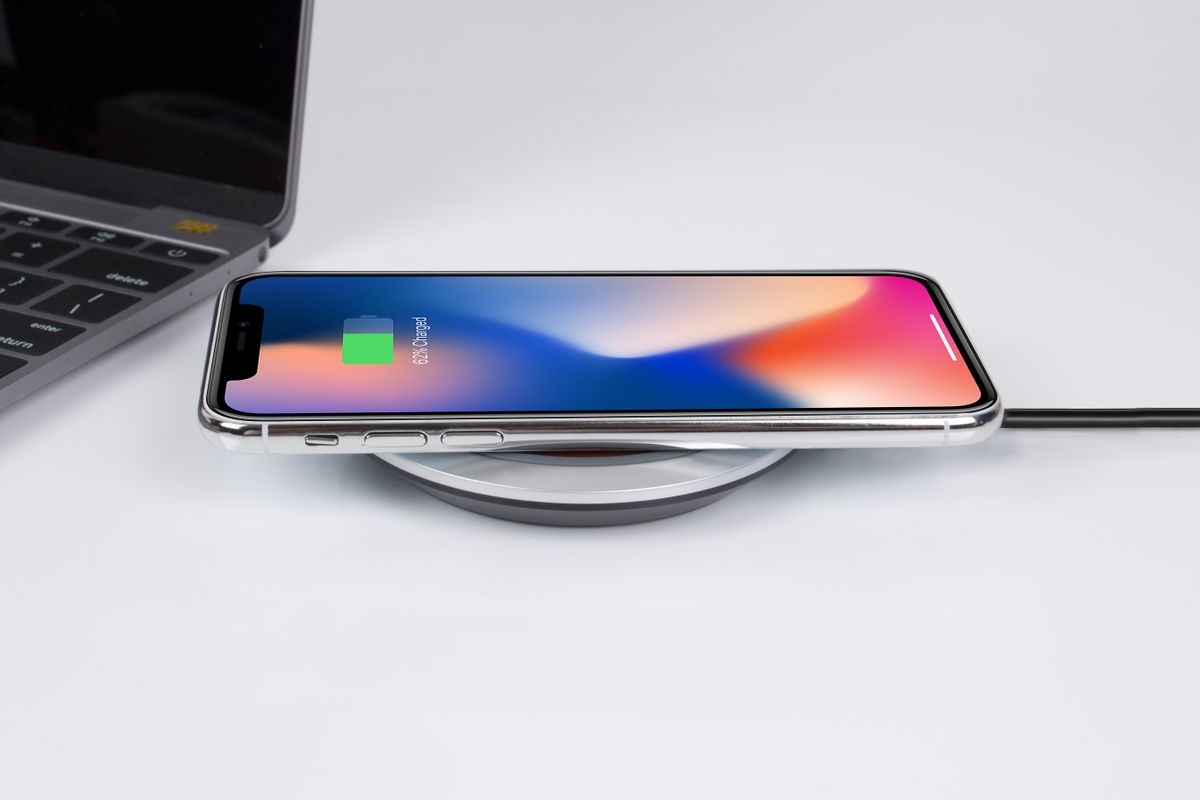 Smartphone Charging on Wireless ChargerOriginal photograph · Pexels
See the photographer on the source page · Pexels license
Unmodified source photograph; displayed with responsive cropping.
Used with: iPhone will not charge: compare the power path before buying parts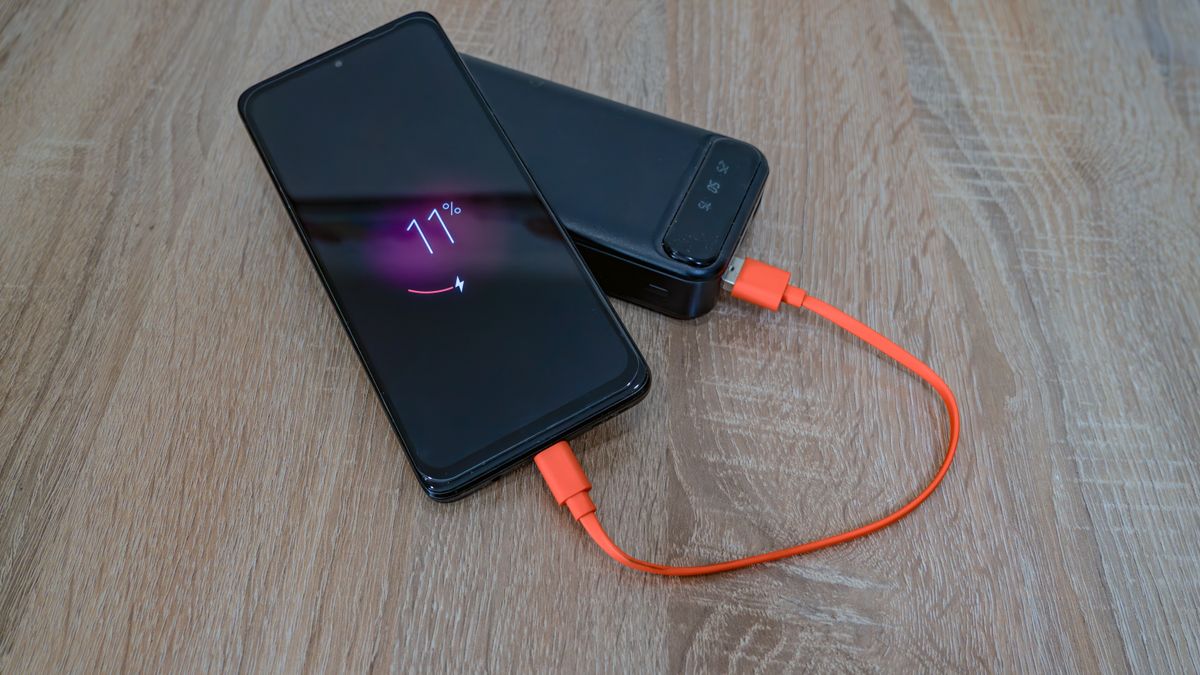 Smartphone Charging with Portable Power BankOriginal photograph · Pexels
See the photographer on the source page · Pexels license
Unmodified source photograph; displayed with responsive cropping.
Used with: An iPhone liquid alert: make a safe drying plan Modern Workspace with Smartphone and LaptopOriginal photograph · Pexels
See the photographer on the source page · Pexels license
Unmodified source photograph; displayed with responsive cropping.
Used with: iPhone storage is full: reclaim space while preserving your memories A Phone on a Wireless ChargerOriginal photograph · Pexels
See the photographer on the source page · Pexels license
Unmodified source photograph; displayed with responsive cropping.
Used with: A slow iPhone: separate network waiting from device performance Modern Workspace with Smartphone and KeyboardOriginal photograph · Pexels
See the photographer on the source page · Pexels license
Unmodified source photograph; displayed with responsive cropping.
Used with: iCloud backup failed: check capacity, connection, and completion separately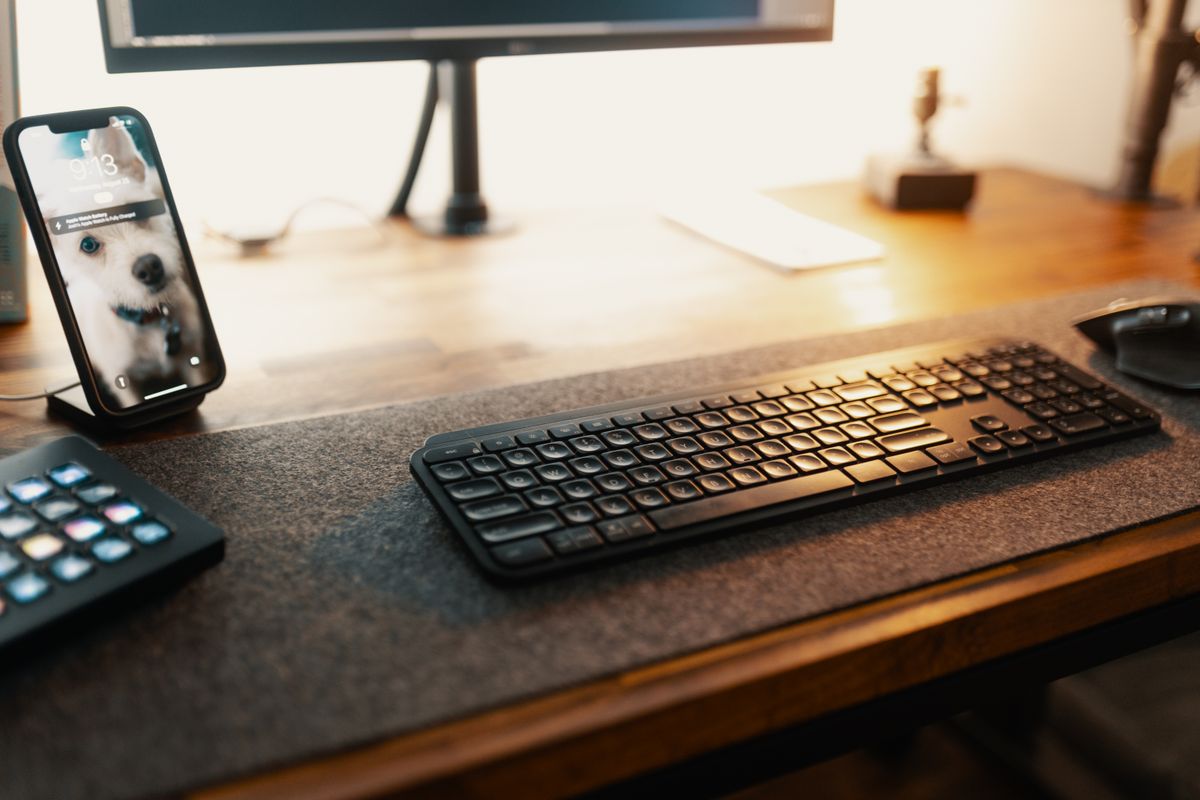 A Wireless Keyboard and a SmartphoneOriginal photograph · Pexels
See the photographer on the source page · Pexels license
Unmodified source photograph; displayed with responsive cropping.
Used with: An Android app keeps crashing: protect local data before clearing anything White Android Smartphone and Computer KeyboardOriginal photograph · Pexels
See the photographer on the source page · Pexels license
Unmodified source photograph; displayed with responsive cropping.
Used with: Missing Android notifications: find the setting that silences the right app Smart home wireless network router deviceOriginal photograph · Pexels
See the photographer on the source page · Pexels license
Unmodified source photograph; displayed with responsive cropping.
Used with: Android hotspot connected without data: test the phone before the laptop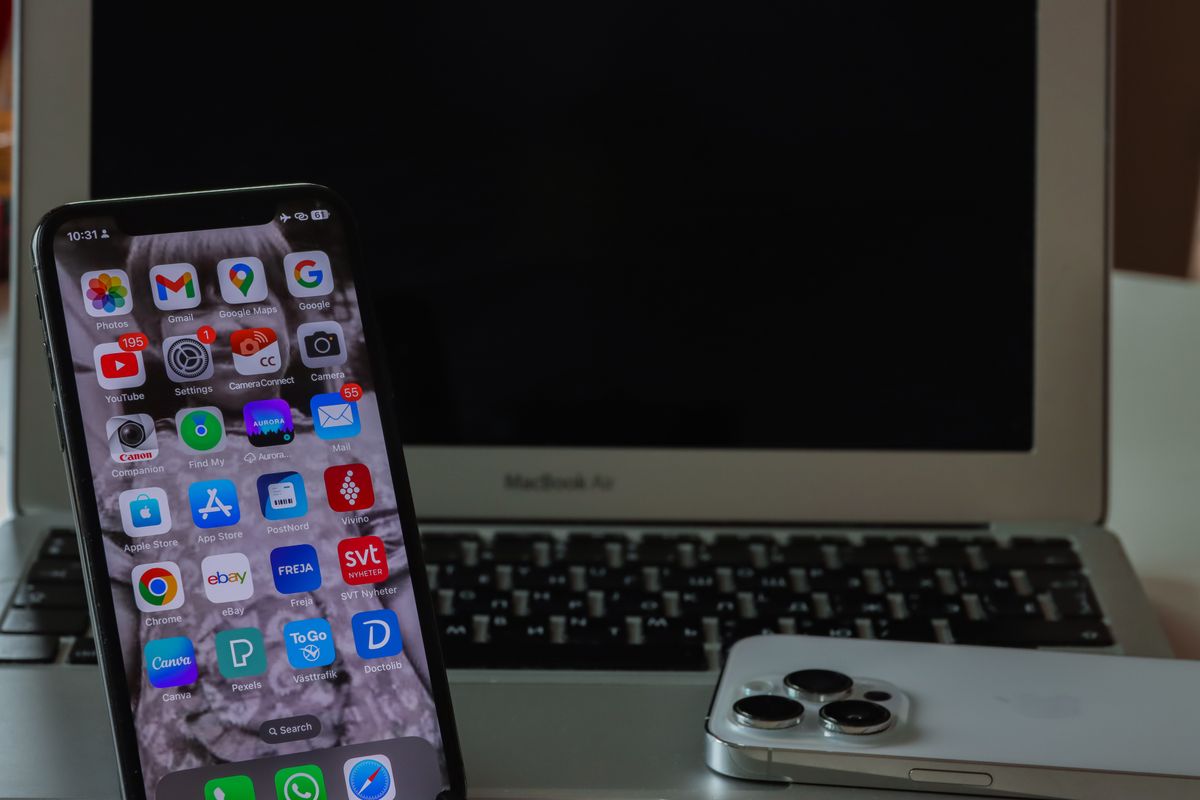 Smartphone and Laptop on Desk SetupOriginal photograph · Pexels
See the photographer on the source page · Pexels license
Unmodified source photograph; displayed with responsive cropping.
Used with: Chrome update pending: finish the browser update without losing your place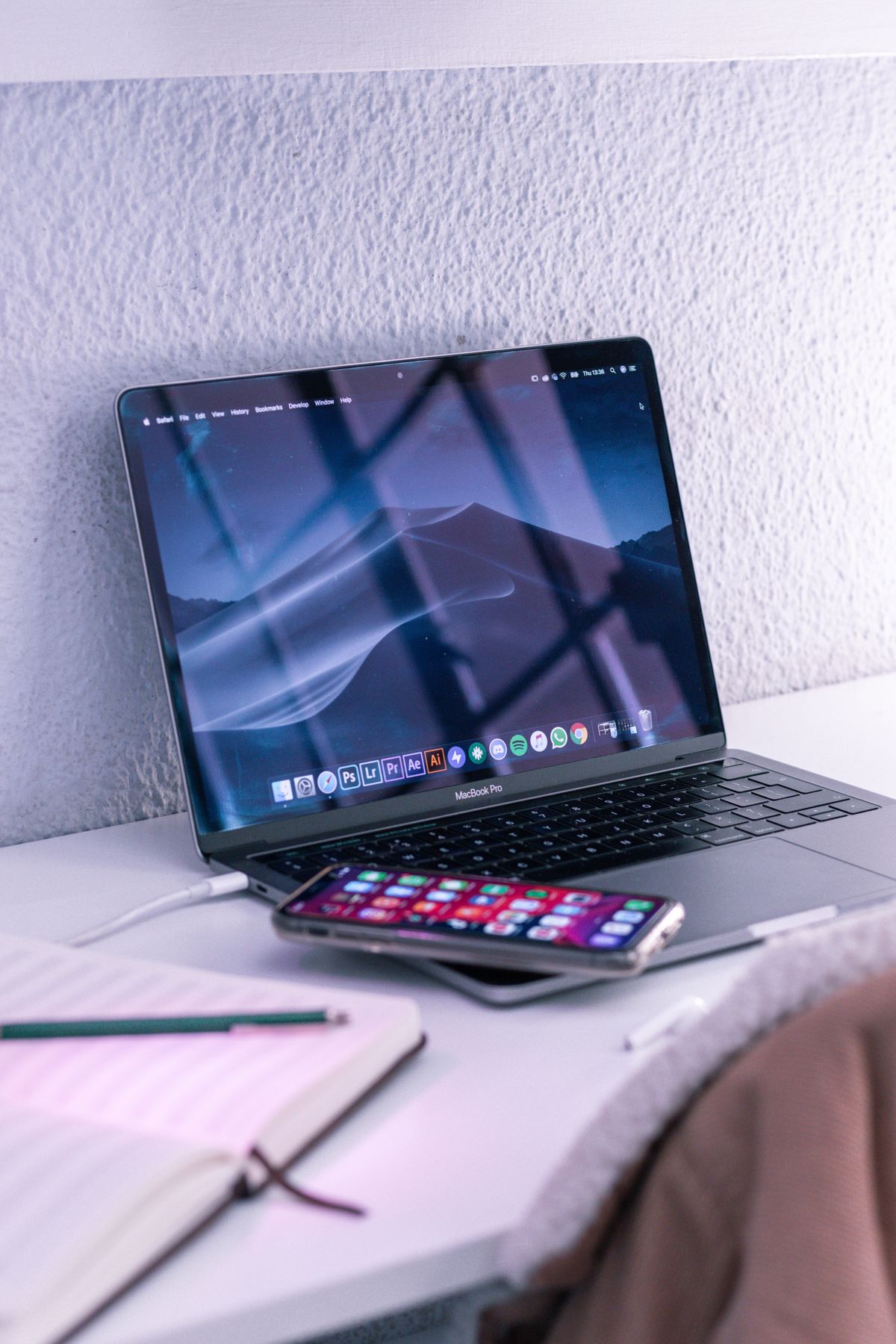 Desk with laptop and smartphone near opened notebookOriginal photograph · Pexels
See the photographer on the source page · Pexels license
Unmodified source photograph; displayed with responsive cropping.
Used with: One website keeps signing you out: make a targeted cookie test Smartphone and Laptop on a DeskOriginal photograph · Pexels
See the photographer on the source page · Pexels license
Unmodified source photograph; displayed with responsive cropping.
Used with: Chrome extensions break a page: find the conflict with reversible tests Smartphone and KeyboardOriginal photograph · Pexels
See the photographer on the source page · Pexels license
Unmodified source photograph; displayed with responsive cropping.
Used with: Browser virus notifications: revoke the website permission at the source Close-Up of Laptop Repair with ToolsOriginal photograph · Pexels
See the photographer on the source page · Pexels license
Unmodified source photograph; displayed with responsive cropping.
Used with: A browser certificate warning: stop and identify its scope A Woman Repairing LaptopOriginal photograph · Pexels
See the photographer on the source page · Pexels license
Unmodified source photograph; displayed with responsive cropping.
Used with: Passkeys explained through a practical sign-in rehearsal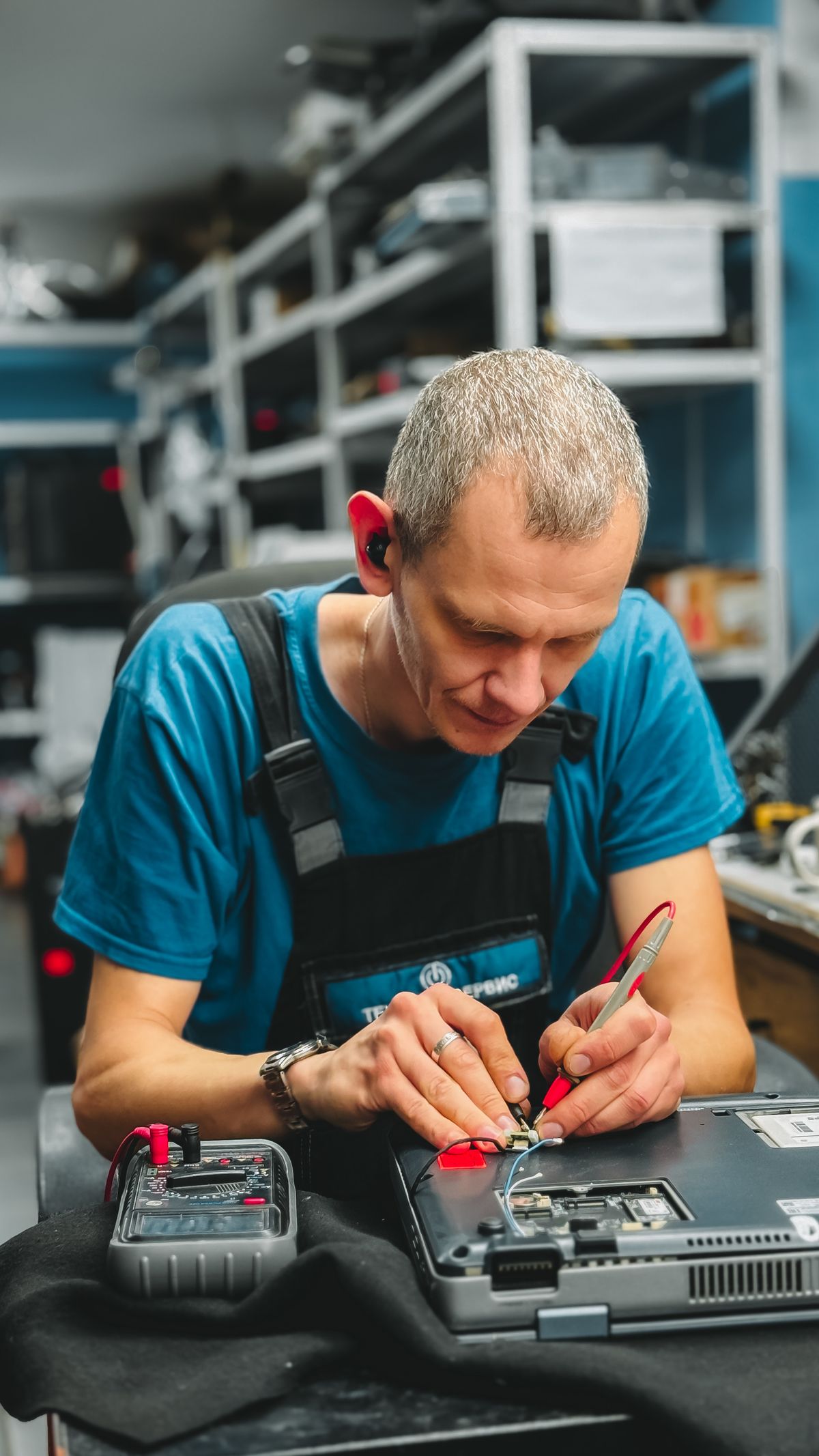 Technician Repairing Laptop in WorkshopOriginal photograph · Pexels
See the photographer on the source page · Pexels license
Unmodified source photograph; displayed with responsive cropping.
Used with: Incognito mode: what disappears and what remains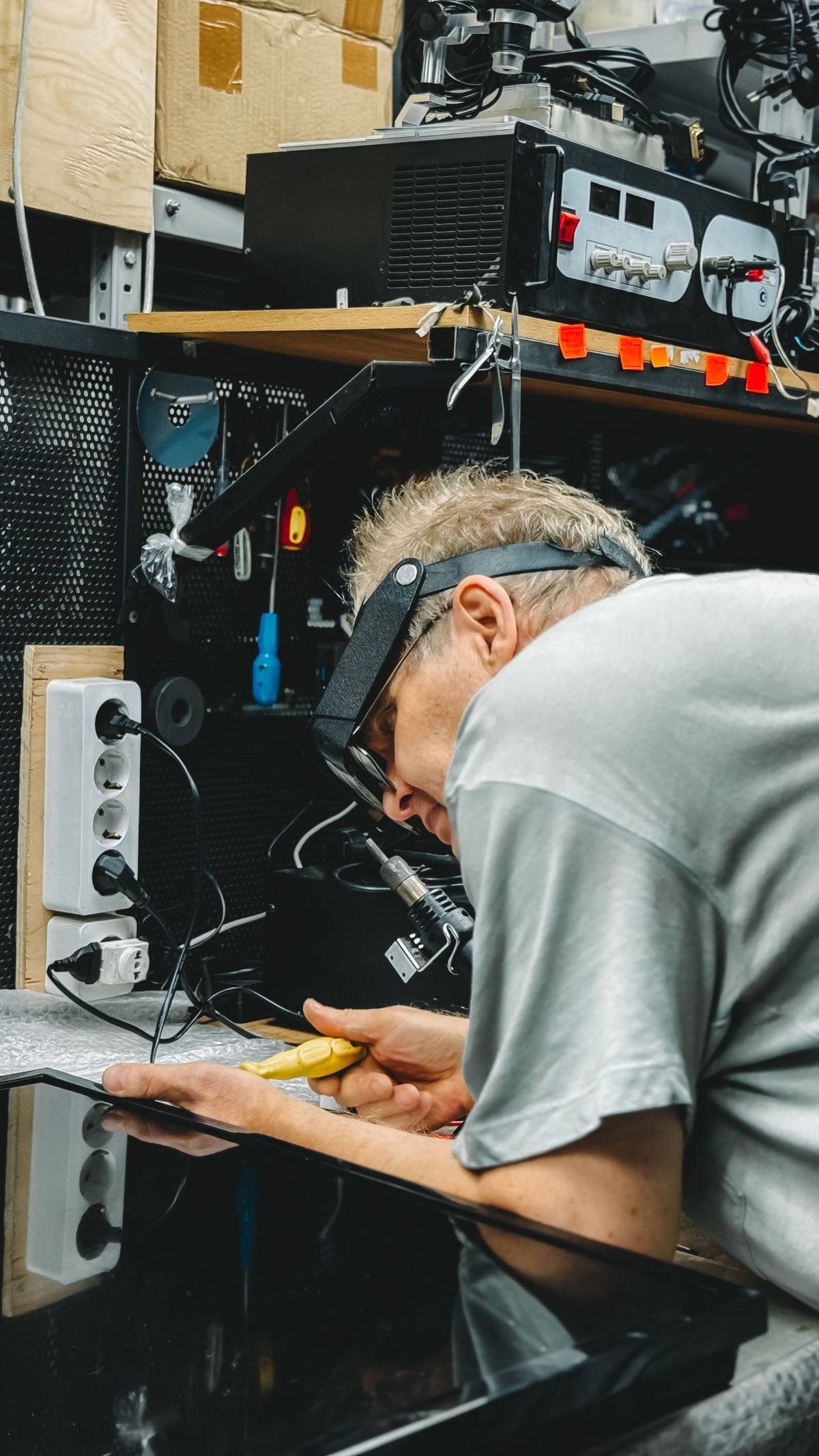 Technician Repairing Electronic Device in WorkshopOriginal photograph · Pexels
See the photographer on the source page · Pexels license
Unmodified source photograph; displayed with responsive cropping.
Used with: HTTPS explained: a protected connection still needs the right destination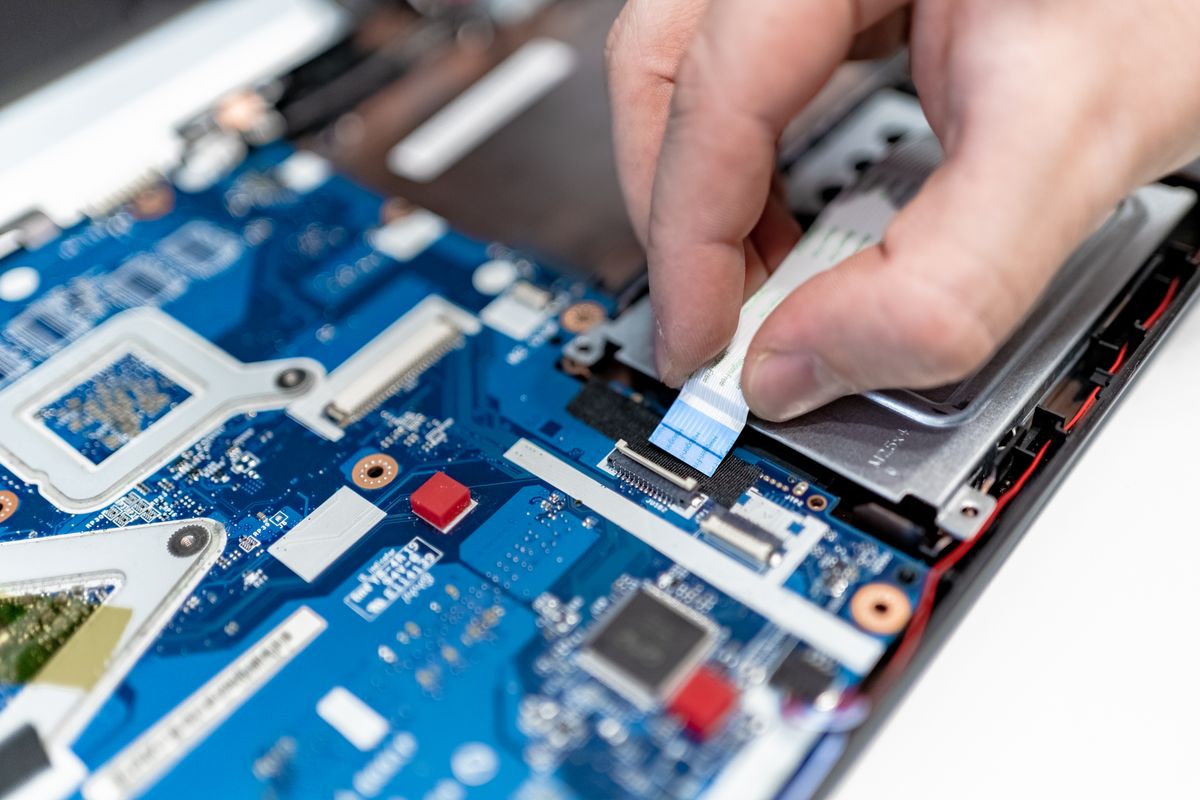 Close-up of Man Repairing a ComputerOriginal photograph · Pexels
See the photographer on the source page · Pexels license
Unmodified source photograph; displayed with responsive cropping.
Used with: Cloud sync and independent backups: test what a deletion will do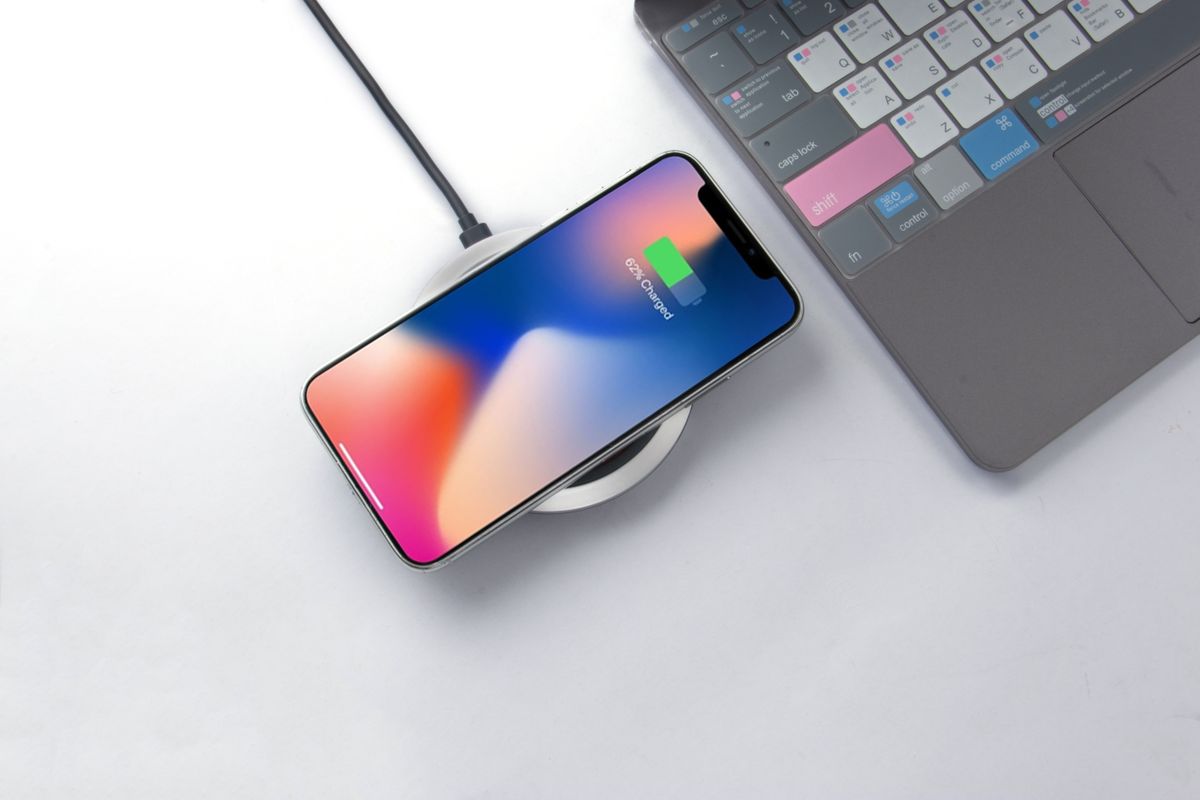 A Smartphone Charging on a Wireless ChargerOriginal photograph · Pexels
See the photographer on the source page · Pexels license
Unmodified source photograph; displayed with responsive cropping.
Used with: Device encryption explained: secure the recovery route before a repair
Fonts & brand
The Lora font is distributed under the SIL Open Font License; a copy is bundled with the local font files. Publication wordmarks and favicons were designed for these websites.