Windows & PC · In focus
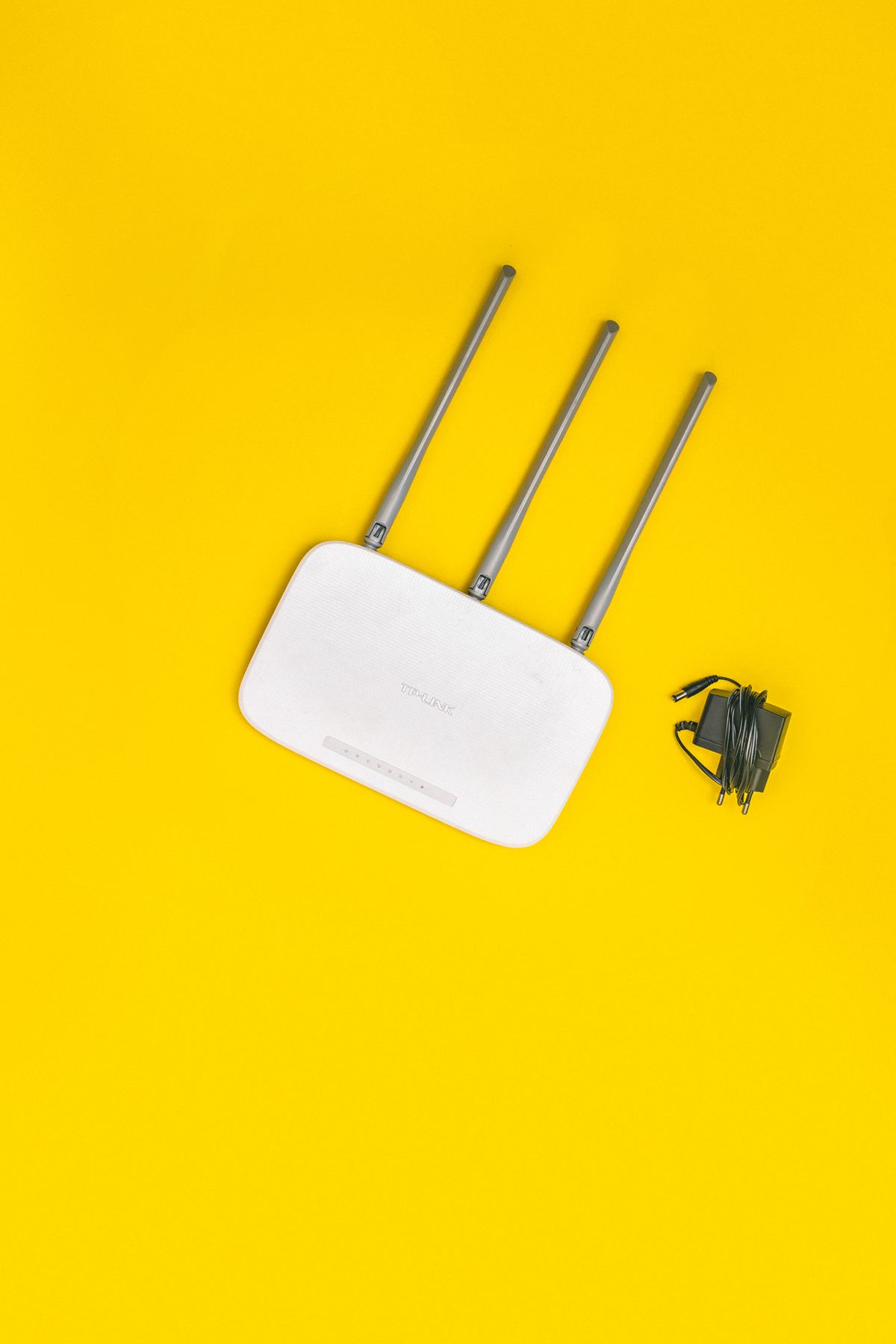
Windows Wi-Fi connected without internet: find the failing link
Separate a laptop problem from a router or provider outage before changing network settings.
Separate a laptop problem from a router or provider outage before changing network settings.
Use a storage inventory and verified copies instead of deleting unfamiliar folders.
Capture the failure stage and remove avoidable complications before trying again.
The current Microsoft page gives a later consumer deadline; verify your device and region.
Test the monitor, cable, dock, and projection mode one link at a time.
Use the recovery key ID to find the correct account record before considering destructive recovery.
Measure the same task before and after changing one optional startup item.
Distinguish a damaged accessory, a charging limit, and a phone that needs service.
Disconnect the cable and avoid shortcuts that can damage the connector.
Compare device storage with cloud storage and verify important copies before removing anything.
Compare local tasks and online tasks before changing settings or replacing a battery.
A backup switch is not proof of a finished backup; inspect the last successful timestamp.
Use app scope, updates, and a cache-only test to narrow the failure.
Check app categories, system controls, and notification history without disabling useful protections.
Check mobile internet, plan rules, and a single-client comparison.
Use the built-in update screen and preserve work before relaunching.