An iPhone liquid alert: make a safe drying plan
Disconnect the cable and avoid shortcuts that can damage the connector.
Take the alert literally
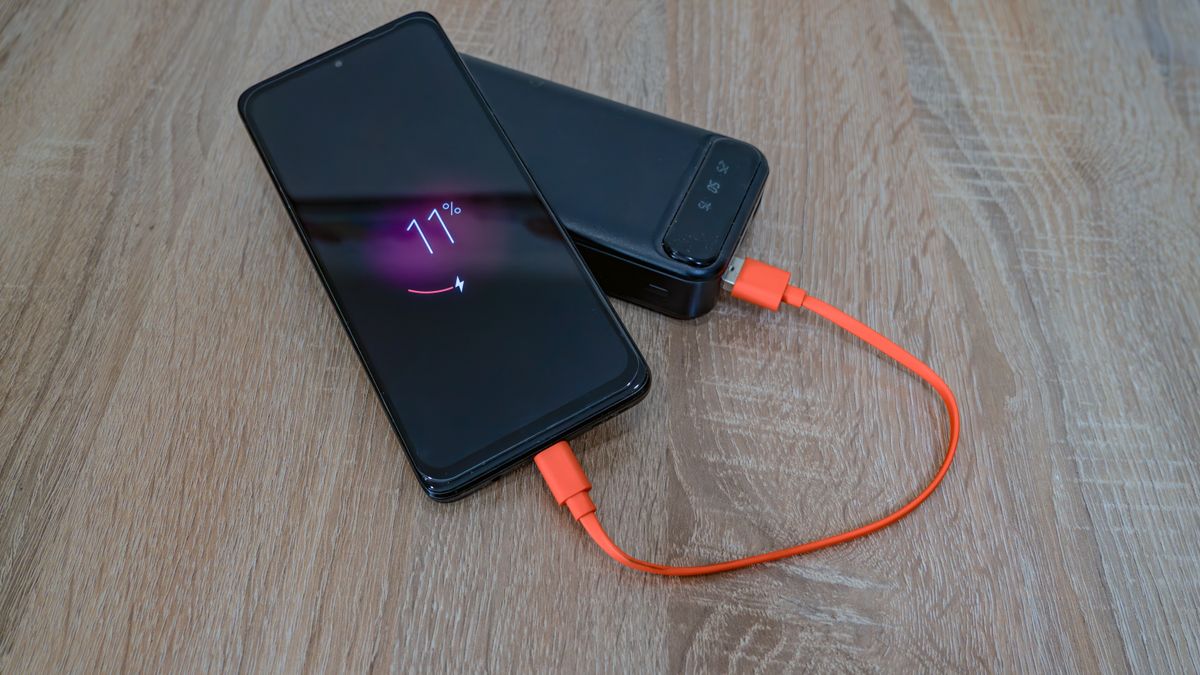
When the phone reports liquid in its connector, disconnect the charging cable or accessory and the other end of the cable as appropriate. Stop repeated reconnecting just to see whether the warning has changed. The alert is a reason to pause the wired connection, even when you do not remember a spill. Note when it appeared, which cable was attached, and whether the phone was recently outdoors, in a humid room, or near water. These details may help later, but they should not be used to dismiss a connector warning that is still present.
Use Apple's drying instructions
Follow the supported approach of leaving the phone in a dry area with airflow and allowing time before another wired test. Apple advises against external heat, compressed air, inserting objects into the connector, and putting the device in rice. Keep the connector accessible to air rather than wrapping the phone tightly in a towel. Place it somewhere safe from another spill or curious hands. Read the official guide for the timing of repeat attempts and the possibility that drying can take longer. A patient plan is easier to follow when you decide the next check time in advance.
Keep communication available
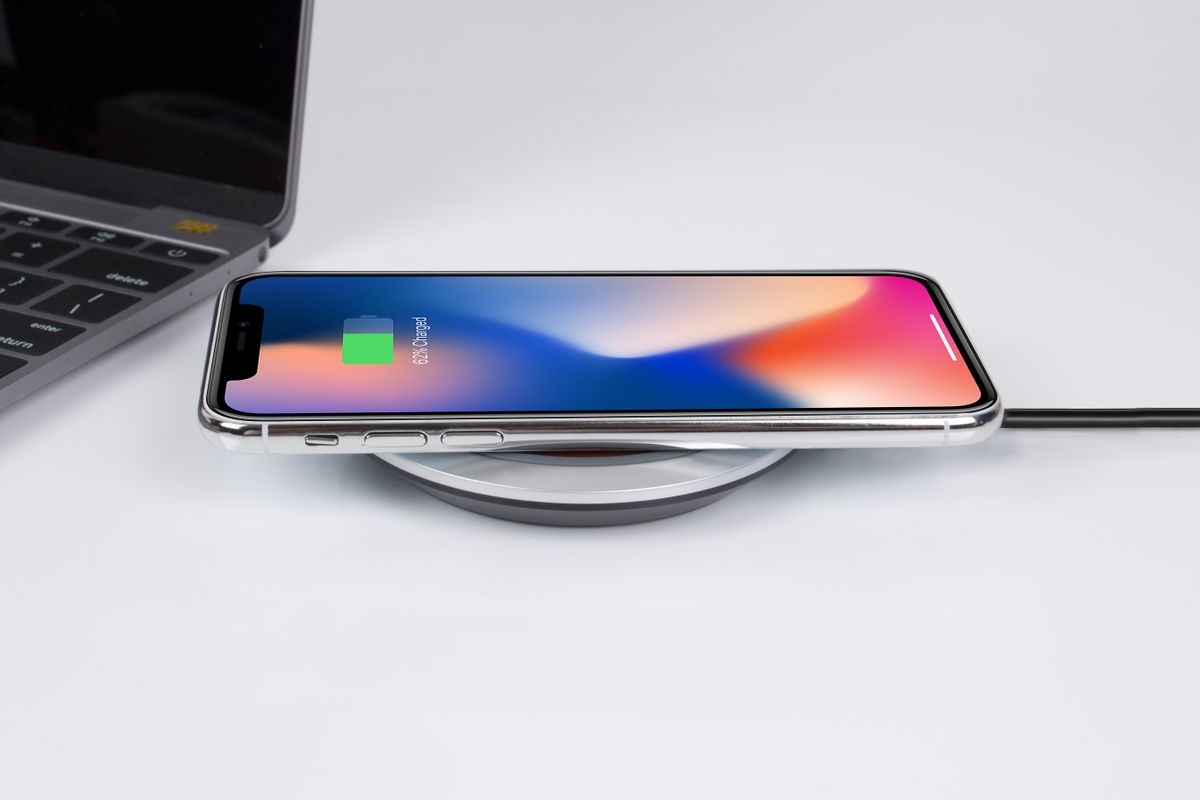
If the phone still has battery power, prioritize the few tasks you need, such as arranging transport or telling a household member how to reach you. A compatible wireless charging method may be an option if the phone's back is dry and the manufacturer's conditions are met; consult the official instructions. Do not treat an emergency override as a routine way to maintain your usual charging schedule. If you need dependable access tonight, borrow a phone or arrange another contact method rather than repeatedly forcing the suspect wired connection while the alert remains.
Distinguish the cable from the phone
After the supported drying period, inspect the cable and try a suitable dry accessory. Note whether the alert occurs with one accessory or with every compatible one. A single suspect cable should be set aside rather than circulated to other devices as a test. If alerts continue with Apple's cable or another known suitable accessory, Apple's guidance indicates service may be needed. Record the comparison without claiming it proves precisely which internal part failed. A repair provider can use the accessory pattern and exposure history to decide what examination is appropriate.
Resume normally after a successful check
When the alert clears, verify that charging proceeds with a sound connection and that the port does not behave intermittently. If the warning repeatedly returns, seek service even if each episode eventually clears. Keep the phone away from environments that routinely wet the connector and choose a storage spot that does not share a surface with drinks. For travel, packing a known working cable and a modest backup communication plan helps avoid improvised drying methods. The goal is to preserve the connector and restore reliable charging while keeping essential communication available during the waiting period.
Sources & further reading
Source links support the factual context. Practical examples and suggested workflows are original editorial guidance. Sources checked October 5, 2026.
Spotted something we should correct? Send a correction. Read our editorial policy.